Before ordering accessories for a 4 in 1 multi game table, identify the exact model and build a separate inventory for each activity. Record what the listing promises, what the packing list confirms, what arrives, and what needs replacement. The phrase “accessories included” is not a complete quantity schedule.
This approach helps retailers, activity programs, and families avoid a common mismatch: buying a piece that belongs to the right sport but does not fit the compact game already owned. It also makes receiving checks easier when several tables or mixed models arrive together.
The worksheet below is a purchasing and inventory method, not a claim that every four-game set has identical parts. Use the actual model’s instructions and final packing list to fill in quantities and specifications.
Identify the table before identifying the spare
Record the product name, model or SKU, and order reference. Photograph the assembled table and any identification label. If you own more than one style of 4 in 1 table games, create a separate inventory sheet for each style.
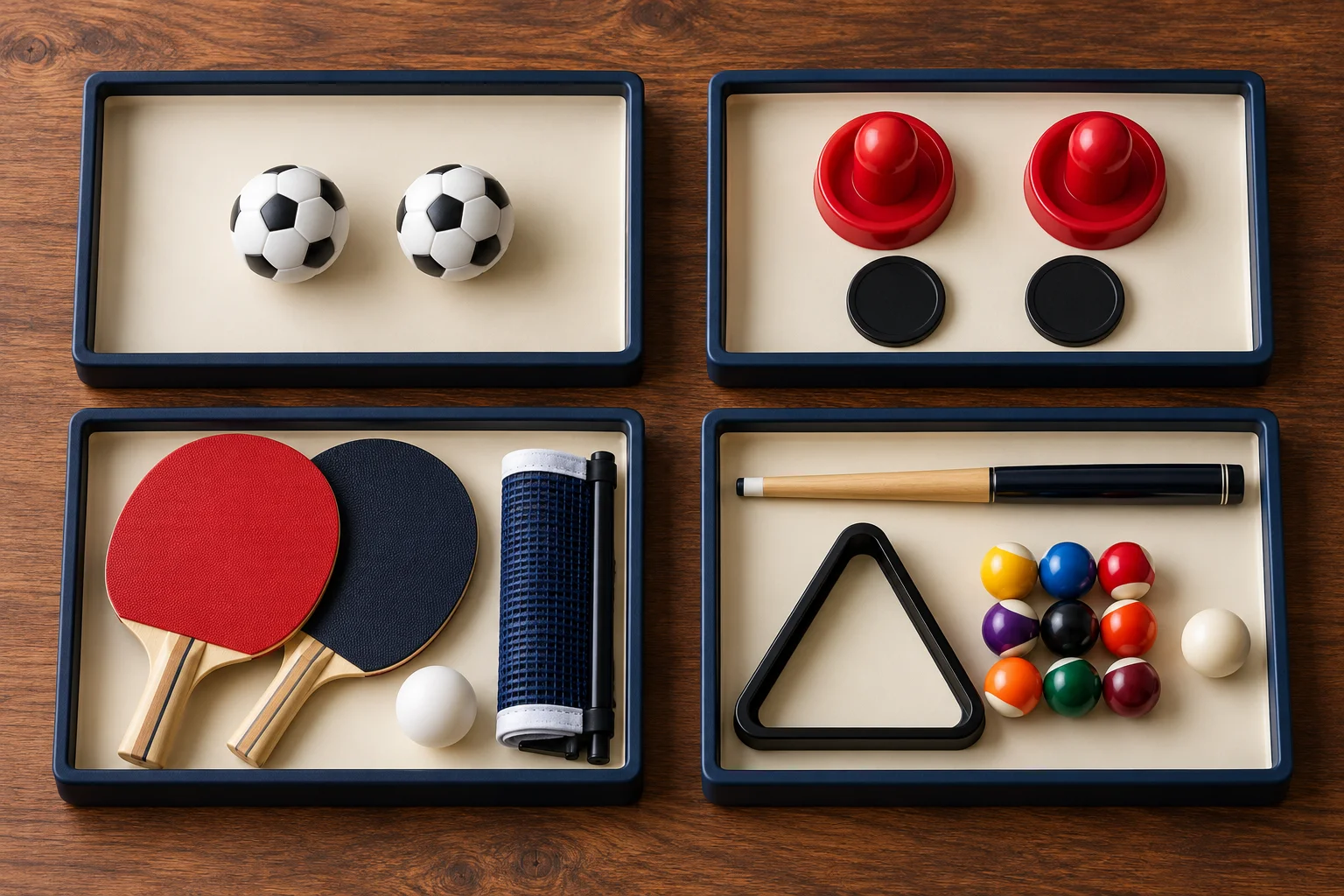
WAKUPLAY’s compact 4 in 1 multi game table combines foosball, pool billiards, table hockey, and table tennis. Its listing identifies two table tennis paddles and two pool cues, alongside other game accessories, and asks buyers to confirm the final packing list.
The folding four-game table with storage lists a different physical arrangement, including an accessory storage box. Do not transfer component quantities or replacement assumptions from the compact model to the folding model.
Build the inventory around activities
Separate removable game pieces from fitted hardware and interchangeable playing surfaces. A loose foosball, a mounted player figure, and a complete surface board raise different replacement questions even though all belong to the same product.
| Activity or component | Items to identify | Details to confirm |
|---|---|---|
| Foosball | Balls and any separately supplied scoring or assembly pieces | Quantity, ball specification, and which parts are fitted |
| Table hockey | Pucks and pushers | Dimensions, quantity, and surface compatibility |
| Table tennis | Paddles, balls, net, and attachments | Quantities and net attachment method |
| Pool billiards | Cues, balls, rack, and any listed extras | Dimensions and contents of the supplied ball set |
| Shared structure | Boards, connectors, fasteners, or tools listed for assembly | Part references and model-specific instructions |
This is a prompt for checking, not a guaranteed inclusion list. Mark an item “not listed” rather than assuming it is missing from the box. Ask the supplier to resolve unclear wording before using it as a receiving requirement.
Distinguish quantities from product photographs
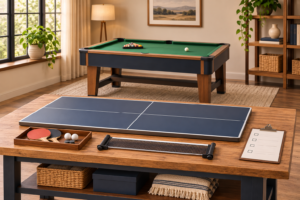
An image showing all four activities explains the game concept. It does not necessarily show the complete shipment laid out for counting. Some images combine several configurations, and the same component can appear in more than one view.
Use a written packing list as the quantity reference. Ask whether the quote covers one complete unit, a carton containing several units, or an accessory assortment. Those are different purchasing units and should not share an unlabeled count.
For a multi-unit order, record both the per-table quantity and the expected shipment total. If a confirmed packing list specifies two pieces per table, an order for six identical tables calls for twelve of those pieces before any separately ordered spares. That is arithmetic, not a statement about every model’s contents.
Check fit before buying generic replacements
A component described as a pool ball, foosball, or table tennis net still needs to match the intended compact game. Request the model-specific replacement reference where available and ask which dimensions or attachment details matter.
For a net, photograph how it attaches to the board. For a pusher or puck, provide its measured dimensions and the surface it is intended to use. For a cue or ball, ask the supplier to confirm the matching specification rather than selecting a full-size accessory solely by its sport name.
Do not promise that generic parts improve performance or durability. The immediate goal is a verified match. If the supplier cannot confirm compatibility, record the uncertainty and keep the purchase separate from approved replenishment stock.
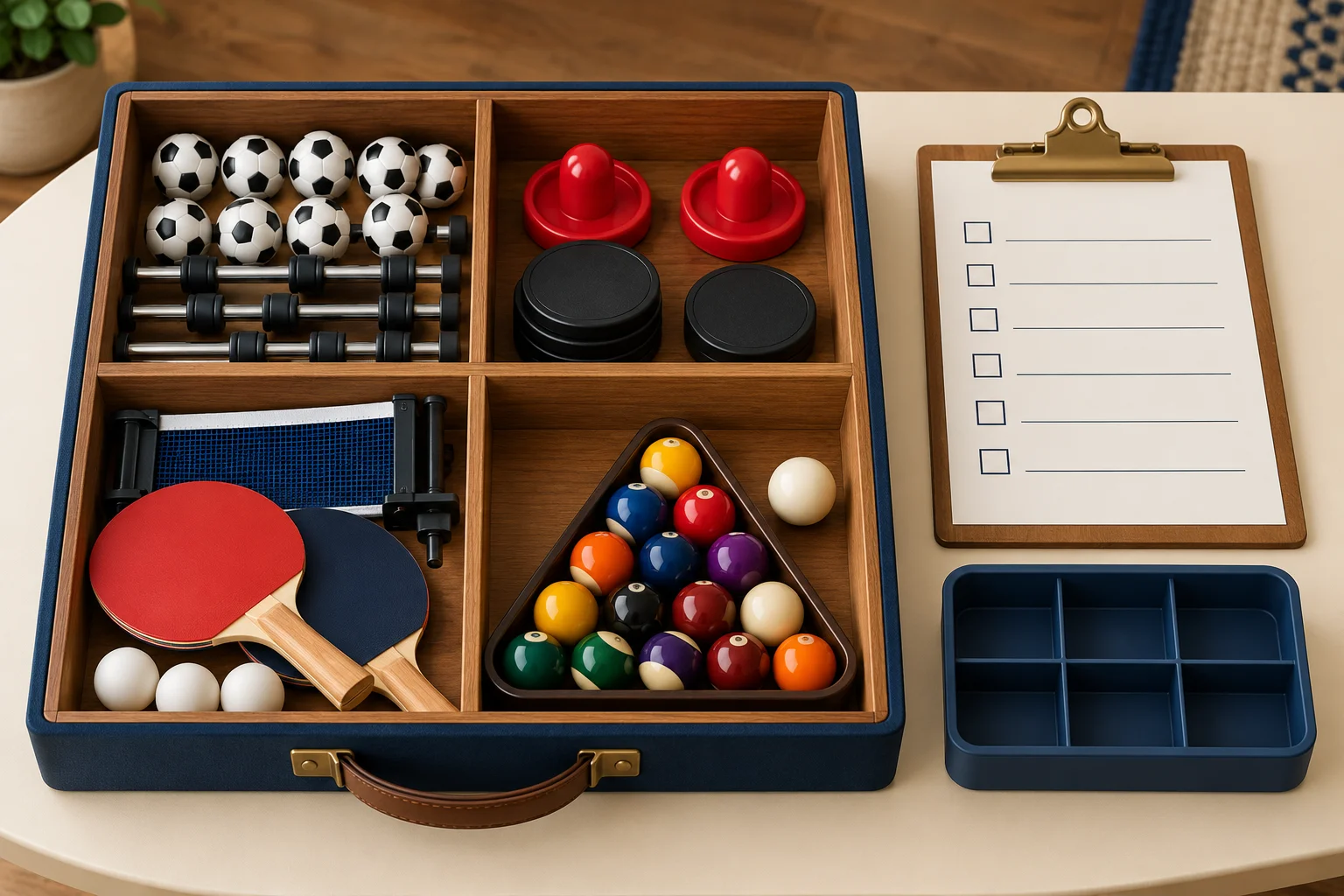
Separate a missing item from a later replacement
At delivery, compare the shipment against the confirmed packing list before distributing the games. A discrepancy on arrival should be documented with the order reference, carton identification, and photographs of the contents.
A piece lost after several sessions is a different request. Record when it was last counted, the table it belongs to, and whether the original part is available for measurement. Clear descriptions help avoid confusion between a receiving issue and an ongoing replenishment need.
Do not mix unmatched parts into the working stock while waiting for an answer. Use a small labeled hold container for unclear, damaged, or unidentified items. Keep it separate from components approved for play.
Make the receiving check repeatable
- Confirm the product identity and number of units delivered.
- Locate the instructions and final packing list.
- Separate each unit’s loose accessories on a clear surface.
- Count and identify components activity by activity.
- Photograph and record any discrepancy before redistributing items.
- Follow assembly instructions and check each configuration before use.
- Store the completed inventory record with the order information.
Check condition as well as count. A component may be present but cracked, bent, or difficult to attach. Describe the specific issue rather than marking the entire set as complete simply because the total number of objects matches.
For several identical tables, label containers by unit so a complete accessory kit is not accidentally divided among different rooms. If your program deliberately shares spares, identify that reserve separately from the normal allocation for each table.
Plan storage around the next changeover
Give each activity a consistent storage location. Keep net attachments together with the net, and store loose balls where they can be counted easily. Follow the equipment’s care and storage instructions rather than assuming every part can remain inside a frame during movement or folding.
An advertised storage box does not by itself establish its capacity for every accessory or prove that it secures contents in every orientation. Ask how the particular model should be stored and transported. Keep boards and longer pieces in their instructed positions.
At the end of a session, count the pieces required for the next activity before closing the kit. This brief check can identify a shortage while the playing area is still available to search, instead of leaving the discovery to the next group.
Questions to send with a bulk inquiry
- What is the final per-unit packing list for the selected configuration?
- Which components have model-specific replacement references?
- Are replacement accessories available individually or only as sets?
- Which dimensions or photographs are needed to confirm compatibility?
- How are accessories packed and identified within a multi-unit shipment?
- What are the current order terms for any separately requested spares?
Availability, price, delivery arrangements, and minimum quantities need an actual response. Do not infer them from a general accessories statement or from another product in the range.
Frequently asked questions
Do all 4 in 1 game tables include the same accessories?
No identical packing list should be assumed from the game count. Compare the exact activities, configuration, and confirmed component list for each model.
Can I use accessories from a different table?
Check the part specification and model compatibility first. Similar appearance or the same activity name is not sufficient confirmation.
Should every table have its own spare kit?
That is an inventory choice. Identify normal per-table allocations first, then decide whether a central reserve or separate unit reserves suit your operation. Avoid counting the same reserve twice.
For related buying and setup reading, visit the WAKUPLAY guides collection. When you request a game-table or accessory quotation, send the model, quantity, destination, and completed inventory questions so the response can address the actual configuration.